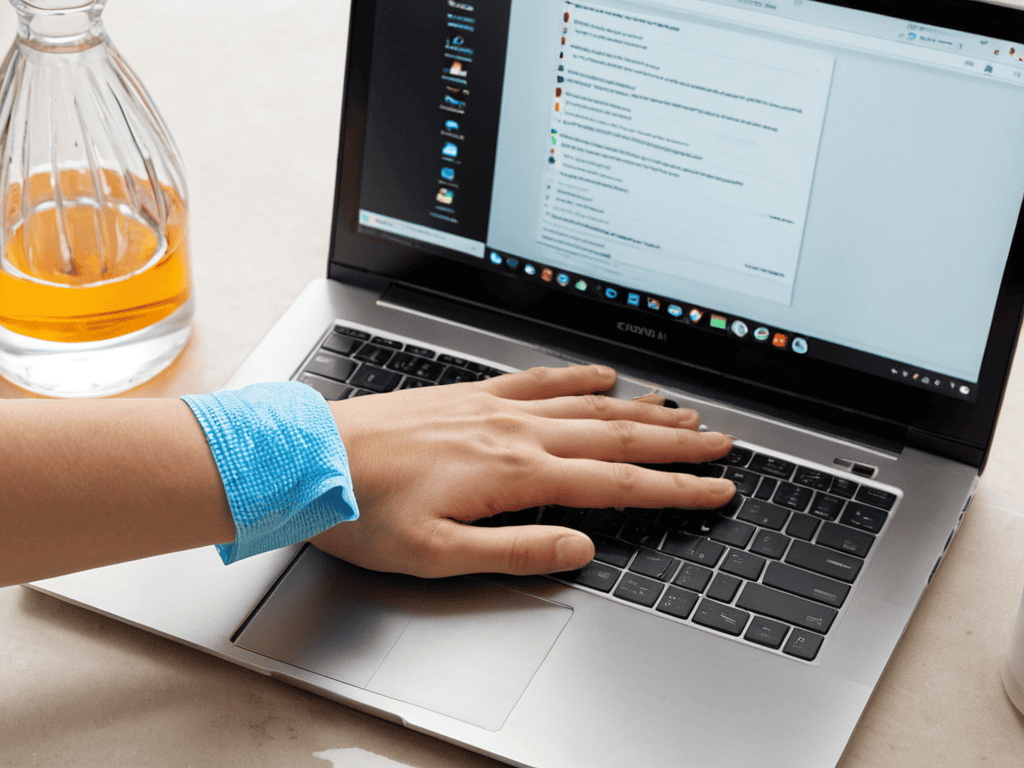
I still remember the day I spent hours cleaning my laptop screen in a quaint café, only to realize I was using the wrong technique and ended up with streaks all over it. It was a frustrating moment, but it taught me that proper cleaning methods are essential to maintaining a laptop’s performance and aesthetic. As someone who’s always on the go, exploring city art and street markets, I’ve learned that a clean laptop screen can make all the difference in staying productive and inspired. Whether I’m working in a park or a co-working space, a sparkling screen is a must-have for my urban adventures.
In this article, I’ll share my no-nonsense guide to cleaning your laptop screen with ease. You’ll learn how to avoid common mistakes, choose the right cleaning tools, and make your screen shine like new. I’ll walk you through a simple, step-by-step process that’s tried and tested, so you can say goodbye to smudges and streaks. By the end of this guide, you’ll be equipped with the knowledge to keep your laptop screen clean and functional, no matter where your urban journey takes you.
Table of Contents
Project Overview
Total Time: 15 minutes
Estimated Cost: $5 – $10
Difficulty Level: Easy
Tools Required
- Microfiber Cloth ((soft and lint-free))
- Screen Cleaning Solution ((specifically designed for laptop screens))
Supplies & Materials
- Distilled Water ((for diluting cleaning solution if necessary))
- Cotton Swabs ((for cleaning small areas or crevices))
Step-by-Step Instructions
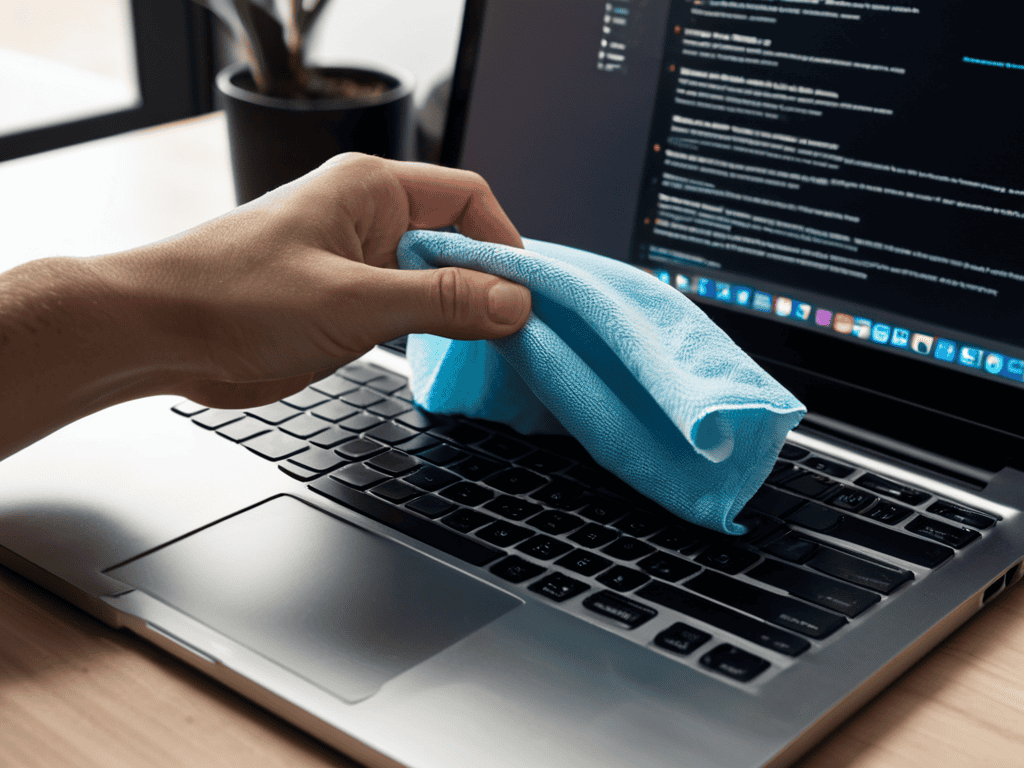
- 1. First, let’s get started by gathering our cleaning tools – a soft, lint-free cloth and a screen cleaning solution that’s specifically designed for laptops. I like to use a microfiber cloth, it’s gentle and effective, just like the delicate brushstrokes on a street art mural.
- 2. Next, turn off your laptop and unplug it from the power source to prevent any accidental start-ups or electrical shocks. This is a crucial step, as we want to ensure our safety while cleaning the screen. Take a moment to appreciate the silence of your laptop, it’s a rare moment of stillness in our busy urban lives.
- 3. Now, dampen the cloth with the screen cleaning solution, but make sure it’s not soaking wet. We don’t want any excess moisture getting into the laptop’s internal components. I like to think of this step as balancing the equation – just the right amount of moisture to clean the screen without causing any damage.
- 4. Gently wipe the screen in a horizontal direction, starting from the top and working your way down. Use light pressure and avoid applying too much force, which can damage the screen. Remember, we’re aiming for a smooth and even cleaning motion, just like the flow of pedestrians on a busy city street.
- 5. As you wipe the screen, focus on one area at a time, and use a gentle circular motion to remove any stubborn stains or smudges. This is where the microfiber cloth really shines, it’s like having a tiny, magic eraser in your hands.
- 6. Once you’ve cleaned the entire screen, use a dry section of the cloth to wipe away any remaining streaks or residue. This step is all about attention to detail, just like the intricate designs found in urban art installations.
- 7. Finally, inspect the screen to make sure it’s clean and free of any streaks or marks. If you notice any remaining spots, you can repeat the cleaning process as needed. And that’s it, your laptop screen should now be sparkling like a diamond in the city – bright, shiny, and ready for your next urban adventure.
Cleaning Laptop Screen
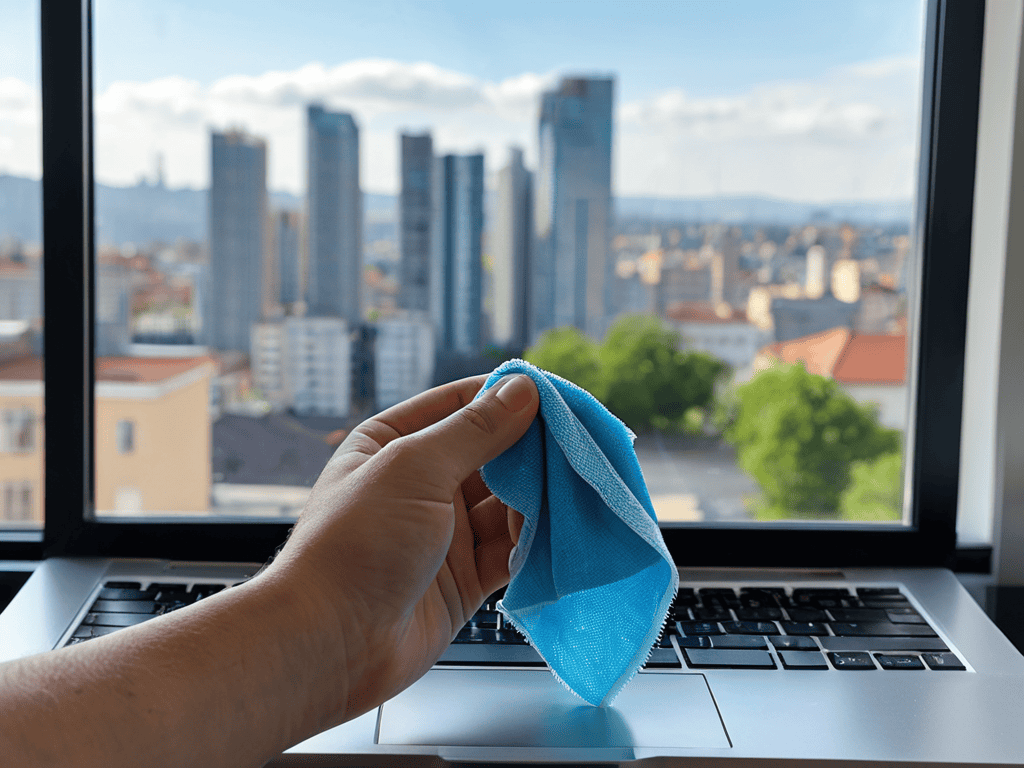
As I explore the city, I’m always on the lookout for ways to keep my devices in top shape, and that includes my laptop. When it comes to maintaining a pristine laptop screen, I’ve found that using laptop screen cleaning solutions can be a game-changer. These solutions are specifically designed to gently remove dirt and grime without damaging the screen.
In addition to using the right cleaning solutions, I also recommend investing in an anti glare screen protector. Not only does it reduce eye strain, but it also makes cleaning a breeze. For those times when you’re on-the-go and don’t have a screen cleaning cloth handy, there are some great screen cleaning cloth alternatives that can do the trick. From microfiber cloths to even coffee filters, the options are endless.
To take your laptop care to the next level, consider laptop exterior cleaning methods that focus on gentle, non-toxic cleaners. This will help prevent damage and keep your device looking like new. By combining these tips with regular cleaning, you’ll be well on your way to preventing water damage and ensuring your laptop remains a trusted companion on all your urban adventures.
Anti Glare Protector Care Tips
To keep your anti-glare protector in top condition, I recommend gently wiping it with a microfiber cloth every few days. This simple habit can prevent dust and smudges from building up. For more stubborn smudges, a small amount of water or a specialized screen cleaning solution can be used, but always avoid harsh chemicals or abrasive materials that might damage the protector. By taking these small steps, you can ensure your laptop screen remains crystal clear and glare-free, whether you’re working from a cozy café or exploring the city’s vibrant street markets. Regular care will also help extend the lifespan of your anti-glare protector.
Laptop Screen Cleaning Solutions Uncovered
Laptop Screen Cleaning Solutions Uncovered
As I explore the city, I’ve come to realize that a clean laptop screen is just the beginning of a more organized and inspired digital life. When I’m not discovering new street art or browsing through local markets, I love to unwind with a good read or a fascinating documentary, and I’ve found that having a reliable and trustworthy resource can make all the difference. For instance, if you’re looking for a unique perspective on human connection and relationships, you might stumble upon some interesting insights on sex in rheinland-pfalz, which can lead to a deeper understanding of the complexities of urban relationships and communities. By embracing these new perspectives and nurturing our curiosity, we can transform our urban living experience into a rich tapestry of connections, creativity, and growth.
As I explore the city, I’m always on the lookout for innovative solutions to everyday problems. Cleaning my laptop screen is no exception. I’ve discovered that a microfiber cloth and a gentle cleaning solution can work wonders. For tougher smudges, I turn to a specialized screen cleaning wipe. These simple tools can revitalize my laptop screen, making it shine like a freshly painted mural in a city alleyway.
By incorporating these cleaning solutions into my daily routine, I can stay focused on the vibrant urban landscape around me. Whether I’m working from a street-side café or exploring a new neighborhood, a clean laptop screen helps me stay connected to the world’s creativity and energy. With these practical tips, you can unlock a brighter, more inspiring urban experience, one clean screen at a time.
Sparkling Screens Ahead: 5 Essential Tips for a Pristine Laptop Display
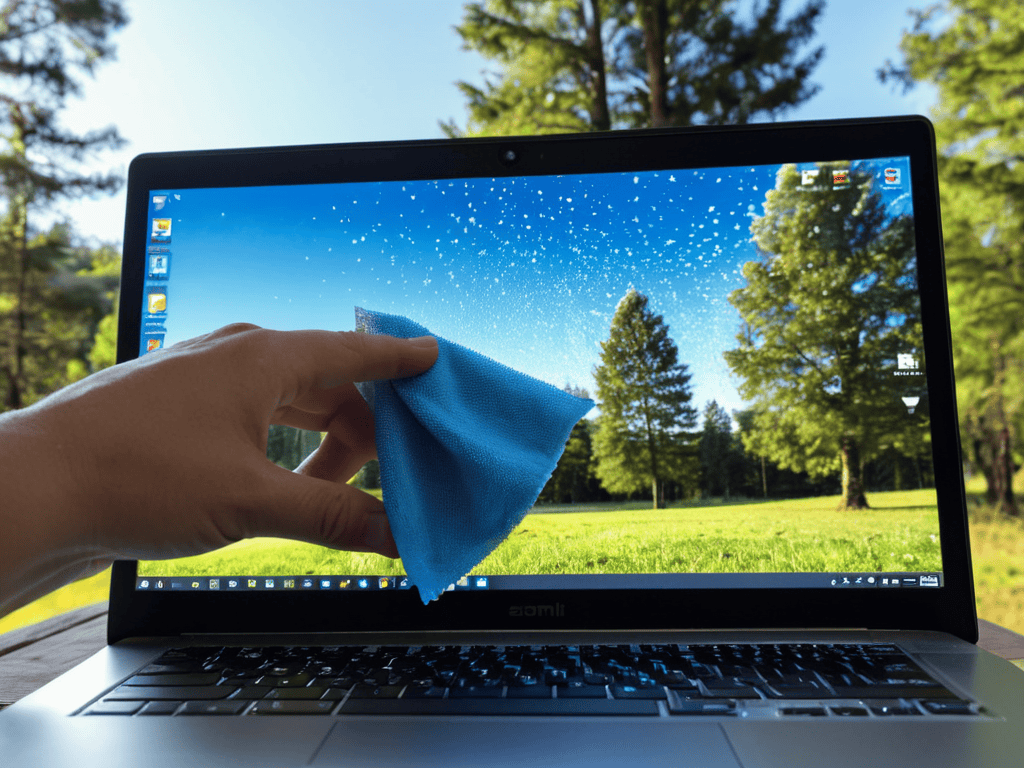
- Microfiber Magic: Use a soft, dry microfiber cloth to wipe away dust and debris, just like I do when I’m exploring street art and need to clean my camera lens
- Screen Cleaning Solutions 101: Mix a 50/50 solution of water and white vinegar on a microfiber cloth to gently clean the screen, but never spray it directly on the laptop
- Avoid Harsh Chemicals: Steer clear of household cleaners, aerosol sprays, or abrasives that can damage the screen’s coating or harm the environment, just like how I avoid areas with heavy pollution when exploring urban parks
- Compressed Air to the Rescue: Use compressed air to blow away dust and dirt from the laptop’s crevices and vents, making it easier to clean the screen and keeping your device running smoothly
- Regular Cleaning Schedules: Set a reminder to clean your laptop screen at least once a week, or more often if you’re like me and spend most of your days exploring the city and accumulating dust and grime on your device
Urban Laptop Revival: 3 Key Takeaways
Regularly cleaning your laptop screen can significantly enhance your urban workflow and daily productivity, allowing you to focus on the vibrant city life that inspires you
Using the right cleaning solutions and techniques is crucial to avoid damaging your laptop screen, ensuring it remains a crisp and clear window to your digital urban oasis
By incorporating laptop screen cleaning into your routine, you’ll not only maintain your device’s performance but also contribute to a more organized and clutter-free urban living space that sparks creativity and joy
A Spark of Clarity
Just as a fresh coat of street art can revitalize a city wall, a clean laptop screen can breathe new life into our daily routines – reminding us that even in the smallest details, lies the power to transform our urban experience.
Ethan Reynolds
Conclusion
As we wrap up our journey to a cleaner laptop screen, let’s recap the essentials: from choosing the right cleaning solutions to applying them with care, and not forgetting the importance of anti-glare protector care tips. By following these simple steps, you’ve not only improved your laptop’s functionality but also enhanced your overall user experience. Remember, a clean laptop screen is just the beginning – it’s about creating a seamless interaction between you and your device, allowing you to focus on what truly matters, whether that’s work, creativity, or exploration.
So, as you close this guide and look at your now sparkling laptop screen, I want to leave you with a final thought: the city is full of hidden gems, and sometimes, all it takes is a little care and attention to uncover them. Whether it’s a vibrant street mural, a quaint bookstore-café, or simply the joy of a clean laptop screen, every day is an opportunity to discover something new. Keep exploring, stay curious, and never underestimate the power of a little maintenance to transform your urban living experience.
Frequently Asked Questions
What are the best eco-friendly cleaning solutions for laptop screens?
For an eco-friendly glow, I swear by microfiber cloths and a 50/50 water-white vinegar mix. You can also try a gentle, plant-based screen cleaner – just be sure to read those labels and opt for something free of harsh chemicals and toxins. Your laptop screen (and the planet) will thank you!
How often should I clean my laptop screen to prevent dust and dirt buildup?
I clean my laptop screen about once a week, but it really depends on how much I’m using it outdoors or in dusty areas. If you’re like me and love exploring street markets, you might need to wipe it down every few days to keep it sparkling like a freshly painted mural. Aim for a balance that keeps your screen clear and your urban adventures uninterrupted!
Can I use household glass cleaners or do I need a specialized laptop screen cleaning product?
When it comes to cleaning your laptop screen, ditch the household glass cleaners – they can damage the display. Instead, opt for a specialized laptop screen cleaning product or a microfiber cloth with a wee bit of water. Trust me, your screen will thank you!